Server
Installation
Since the plugin consists of a client and a PHP component, you'll need a working PHP installation. SQLite must also be working.
These days, I recommend simply asking an AI how to install PHP.
Personally, I use a local XAMPP installation for testing and an Apache2, PHP installation on Debian Linux for production use.
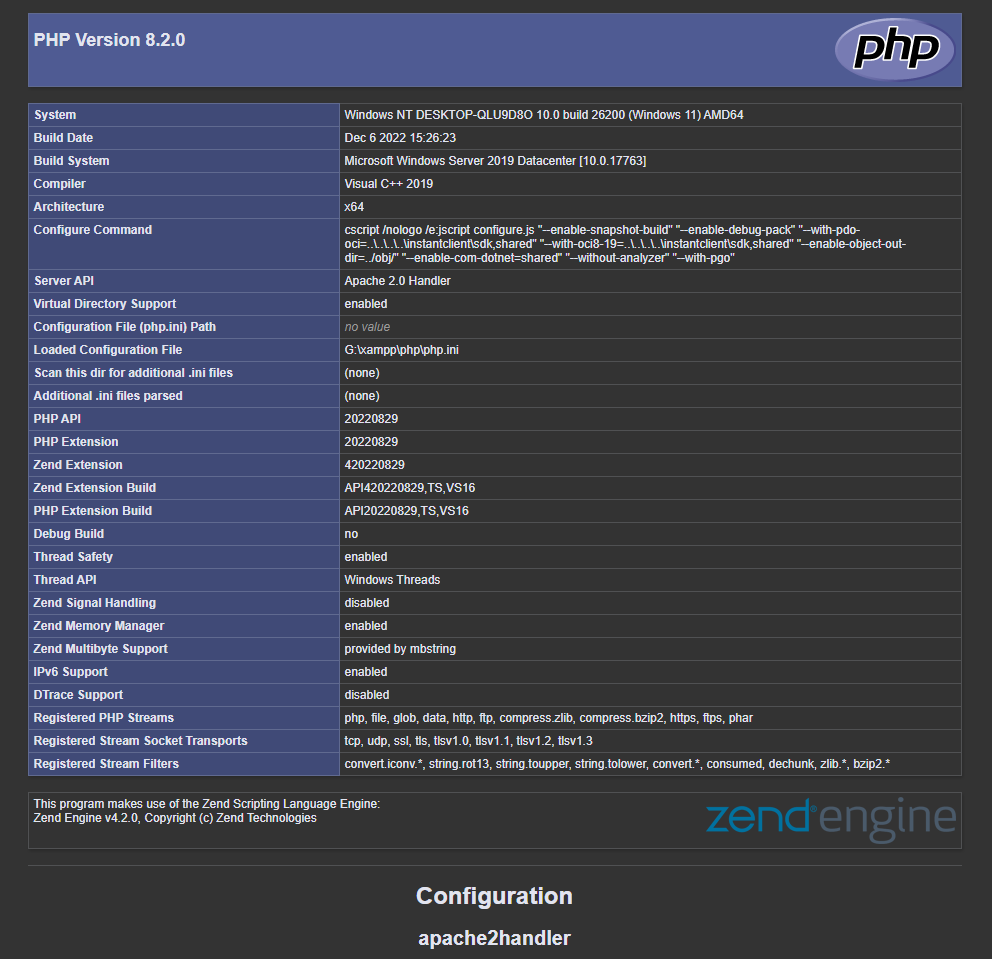
To test your PHP installation, you can create an info.php file with the following content:
<?php
phpinfo();
?>
When you access the file on your server, it should look something like this. Remember to delete the file after the test!
Configuration
Copy the directory containing the PHP scripts to the PHP directory on your web server. You can find the PHP scripts in the Downloads category.
Keep in mind that the directory name will be part of your URL. I recommend customizing it.
The PHP app needs a few settings. Open the settings.php file.
$fileDirectory
Specifies a directory where the files will be stored. Like: $fileDirectory = 'D:/UEFiles/unrealFileManagerPlugin';
Make sure the server has read and write access to this directory. However, the directory must be outside the web directory so that files cannot be downloaded through URL manipulation!
$sqliteDbPath
Directory including a file for the SQLite database. The database is created automatically like:'G:/xampp/sqlite/sql.db';
Make sure the server has read and write access to this directory. However, the directory must be outside the web directory so that files cannot be downloaded through URL manipulation!
$accessTokenAdmi
A token is a kind of password. You need an admin token to manage files and configure settings from the client UI. Example: $accessTokenAdmin ='MxOJ1THK9Vm';
$accessTokenClient
The client token is for your app's users. It ensures that only your app can communicate with your server. Example: $accessTokenClient ='KDInidS234';
$aesKey
This is required if you want to encrypt files. It must be exactly 32 characters long! Example: $aesKey = 'ce0IFucd67kQr4sT7hOvxVMtPvorom4p';
$downloadLiveTimeInMinutes
When a download starts, it is added to the database and deleted when it is finished.
However, it is possible that something goes wrong during the download and the entry is not deleted.
Here you can specify the maximum time in minutes that the entry may remain in the database.