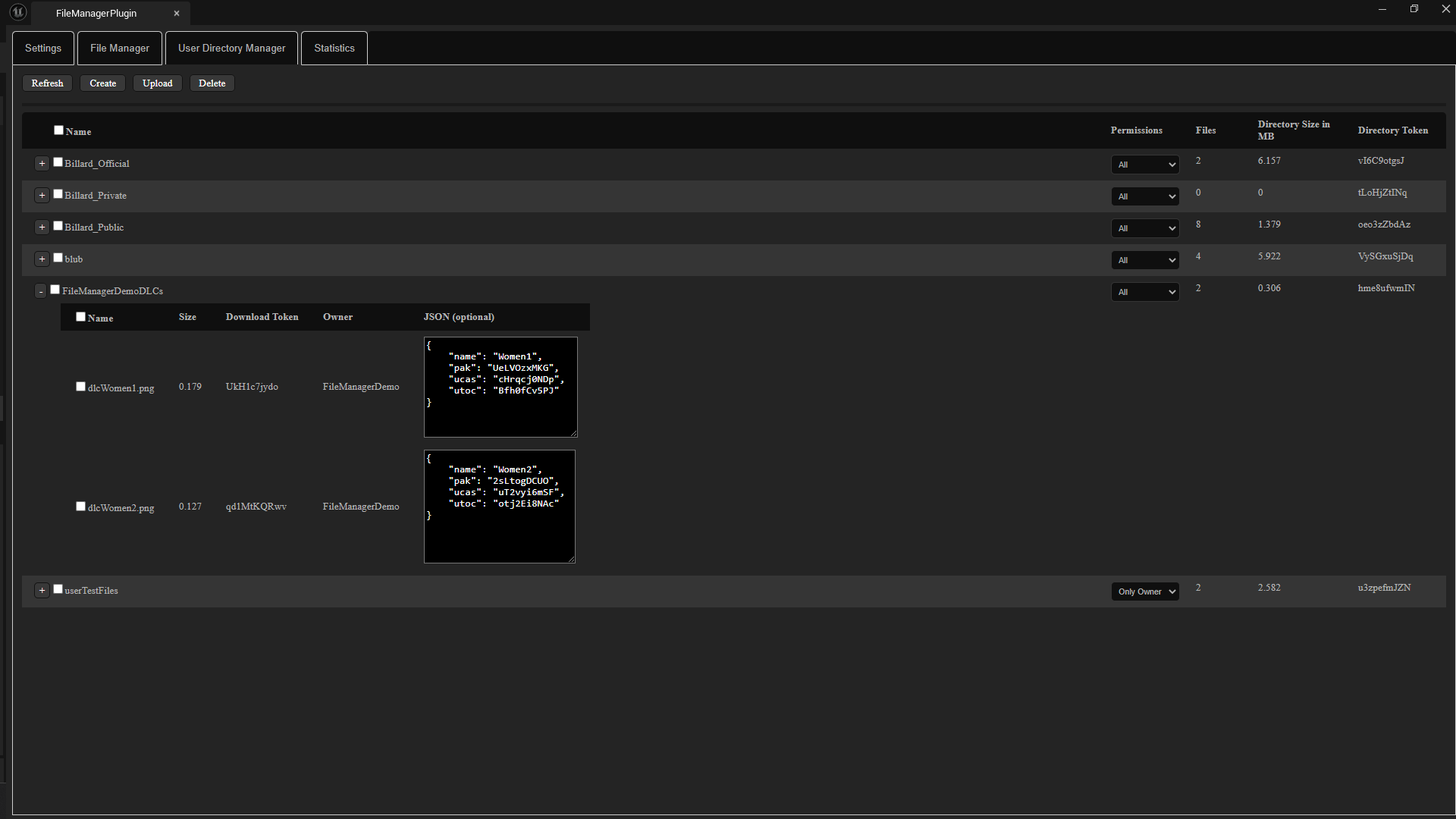
User Directory Manager
The user directories are designed to allow users to exchange data with one another.
Of course, administrators can also upload files.
You can specify whether the uploaded files can be downloaded only by the uploader or by everyone.
All files in a directory can be listed. Optionally, you can append a JSON string to each file containing additional information about the file.
The plugin offers a feature that allows you to populate a struct variable with JSON data.
This makes it very easy to retrieve data from JSON. For more complex JSON strings, I offer a separate plugin.
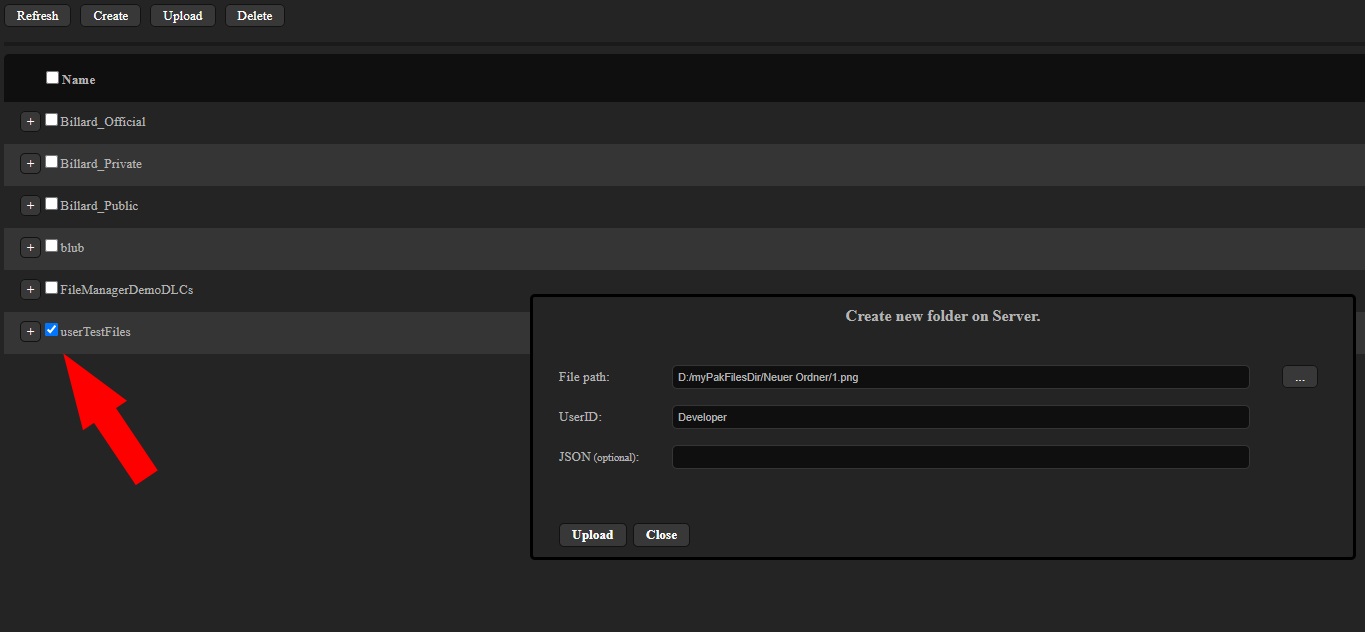
Upload
When uploading files, remember to select the directory where you want the file to be uploaded.
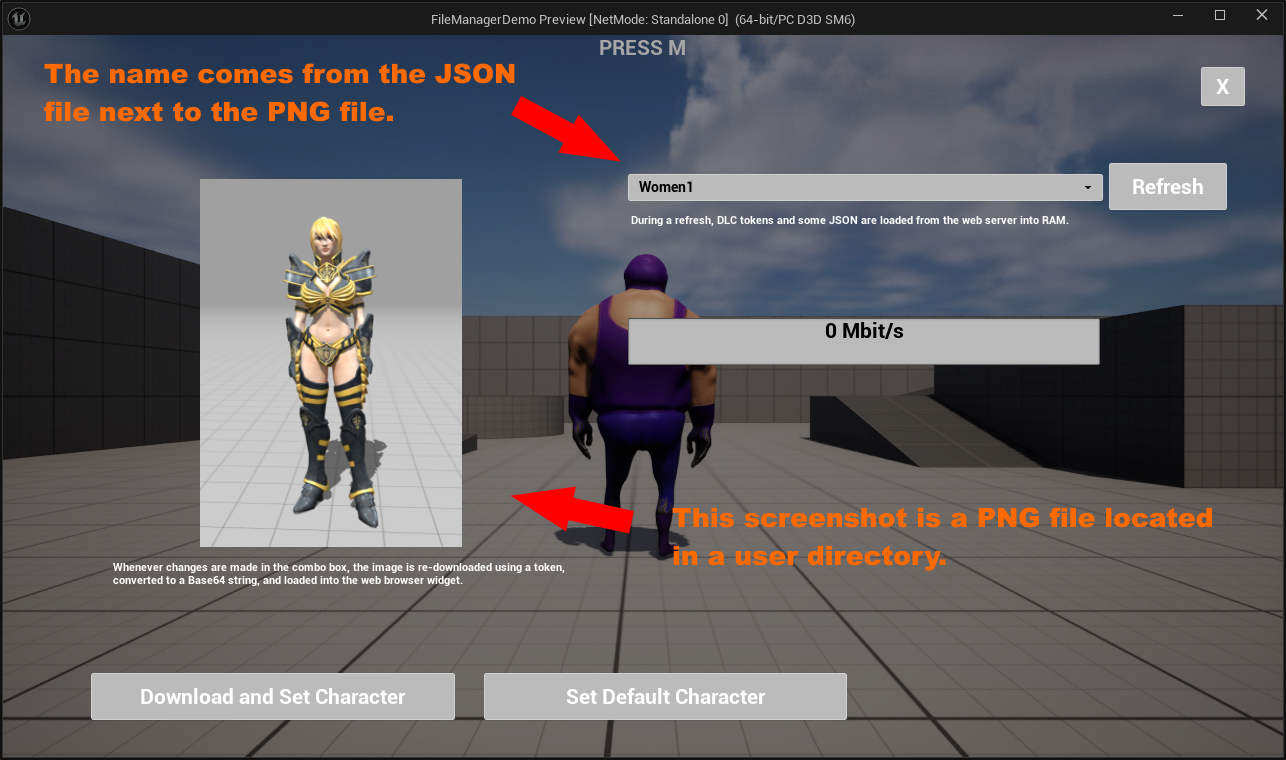
Example 1: In the demo project, I created two DLCs, each with a female model. This results in two .pak, .ucas, and .utoc files for each.
I uploaded these via the File Manager tab. I also took screenshots of the models and uploaded them to a user directory, along with a JSON string containing the download tokens.
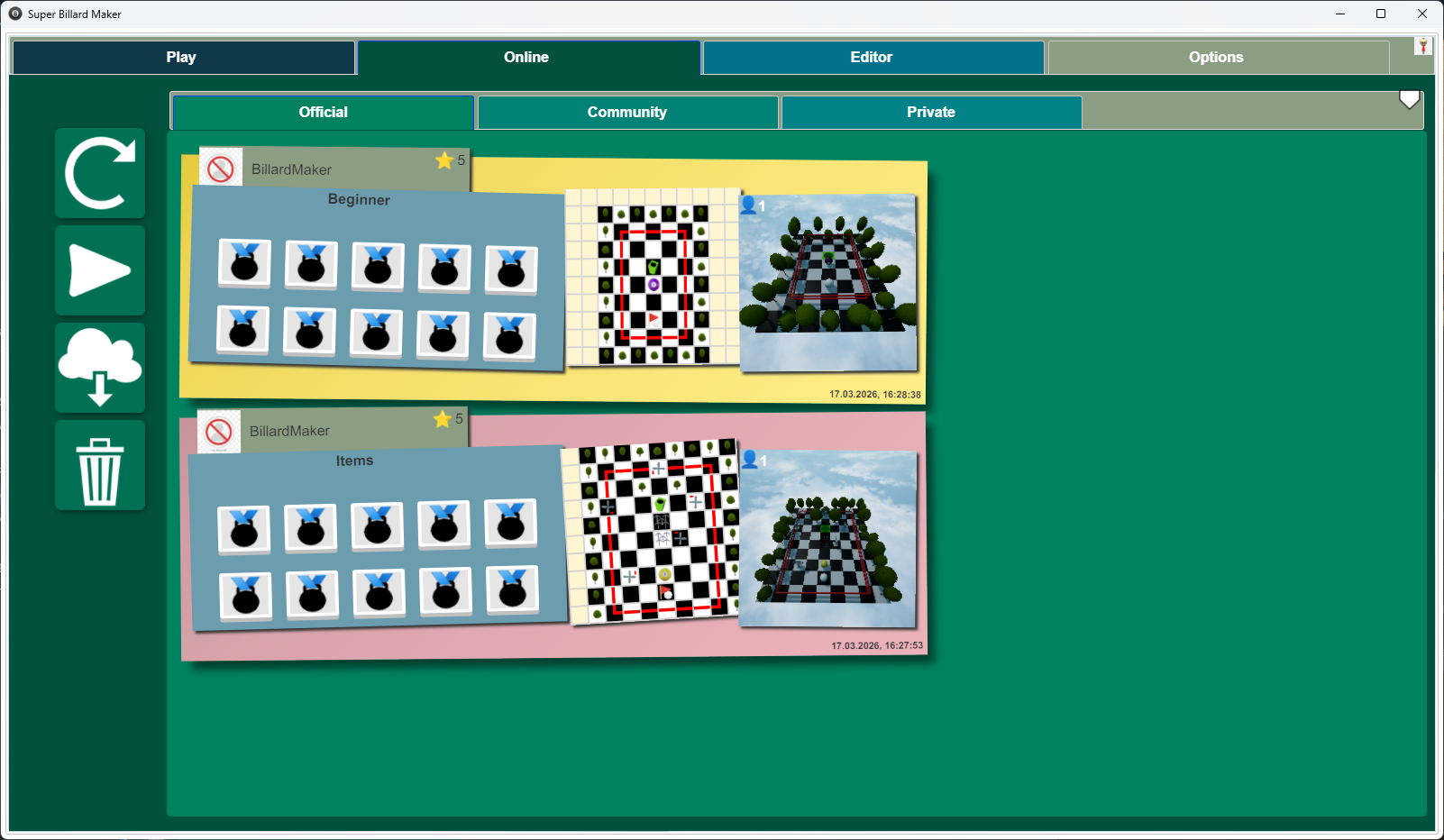
Example 2: In my game, Super Billards Maker, I created a level editor that saves levels as JSON files.
Users can upload and download user-created levels in the form of these files. The additional JSON field is used for ratings.